 Check variable links
Check variable links
Check variable linksCalled from the context menu in the variable window – Check links for invalid addresses.
The function searches all function blocks and control elements for links to variables that no longer exist. This happens for instance when a variable is deleted later while it is still linked somewhere. The result appears in the channel Search results of the diagnostics:
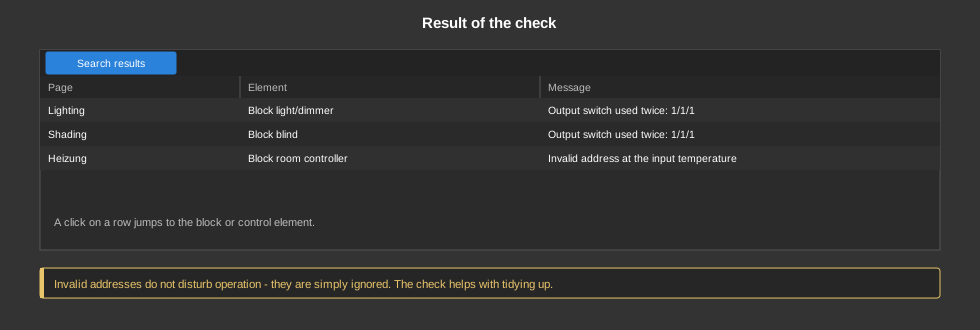
A click on an entry jumps directly to the affected block or control element.
Invalid addresses do not disturb operation – they are simply ignored. The check helps with tidying up and with finding faults, for example when a block does not do what it should because its address points nowhere.
See also Check outputs for multiple use.