 Check outputs for multiple use
Check outputs for multiple use
Check outputs for multiple useCalled from the context menu in the variable window – Check outputs for multiple use.
The function looks for variables that are linked as an output at several function blocks at the same time. In KNX projects this is not unusual and therefore not forbidden – the software deliberately does not prevent it.
Because the blocks work event driven, only the change sent last takes effect. Sometimes this leads to unwanted results, for instance when two blocks overwrite the same address in turn and the installation starts to “flicker”. This check finds exactly those places.
The result appears in the channel Search results of the diagnostics:
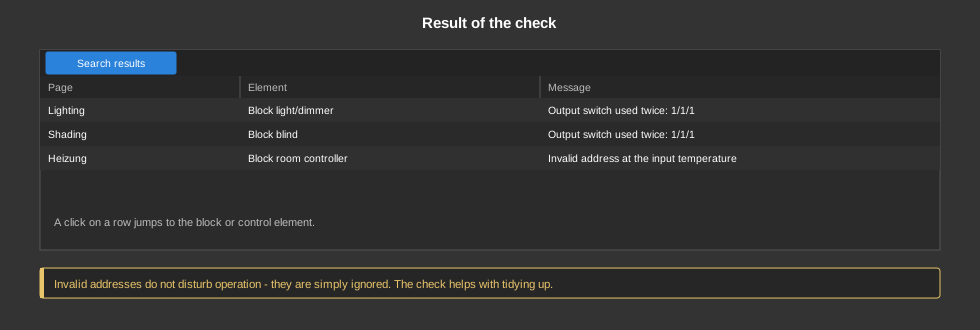
A click on an entry jumps to the block where the output is linked. Every place involved is listed as its own row, so the pairs can be compared easily.
See also Check variable links.